If you are an SLP who sees most of their students in small group therapy, raise your hand.


Listening Center--In this station, I have students sit at my desktop computer and listen to their targets. I have done this a few different ways. I have used the "Garage Band" software to have students strictly listen to words that I voice recorded. I also used "Power Point" to create several presentations where I have paired pictures and words with my voice recorded. This seems to be more motivating for the students because they can "click" through the pictures. While the Power Point presentations are my favorite, they take a little time to create. Unfortunately, my files are too big to share here at this time. For students who have minimal stimulability, I have them "listen only." As my students increase their accuracy of production with minimal cues, they are instructed to listen AND say the words they hear.
Table Time--I use this opportunity to get 1:1 time with each student. While they are with me one on one, I target the sound that is the hardest or least stimulable for them. My goal while I'm with them individually is to increase their stimulability so that target can be transitioned into a more "independent" station.
Sounds on the Carpet--In this station, it is VERY important to have the students practice their targets at the level that requires the least amount verbal cues. I have taught my students how to provide "friendly cues" to each other and encourage each other. Also, since my speech room is pretty small, I am in "earshot" of each student and can offer added cues or change their target if I don't hear accurate productions. Also in this station, the students can engage in "quick" games to motivate them such as "Trouble" or "Uno".
During speech lab, I use the tools that I have on hand and I have even created some new ones. Here is what you might need if you want to try this, too!
1. A schedule for the "Speech Lab" rotation.--Grab mine here. This is what my schedule looks like:

I have it laminated and hanging on my white board. Since it is laminated, I am able to write the students' names on the schedule to let them know what "station" they are scheduled for. On the carpet, I usually have 2-3 students at a time (my preference is 2)
2. Articulation targets per student--I use artic cards or worksheets for this. My younger students do better with cards or sheets they can access in the speech room. My older students each have their own folder with their individual speech targets and they bring them to and from their speech sessions.
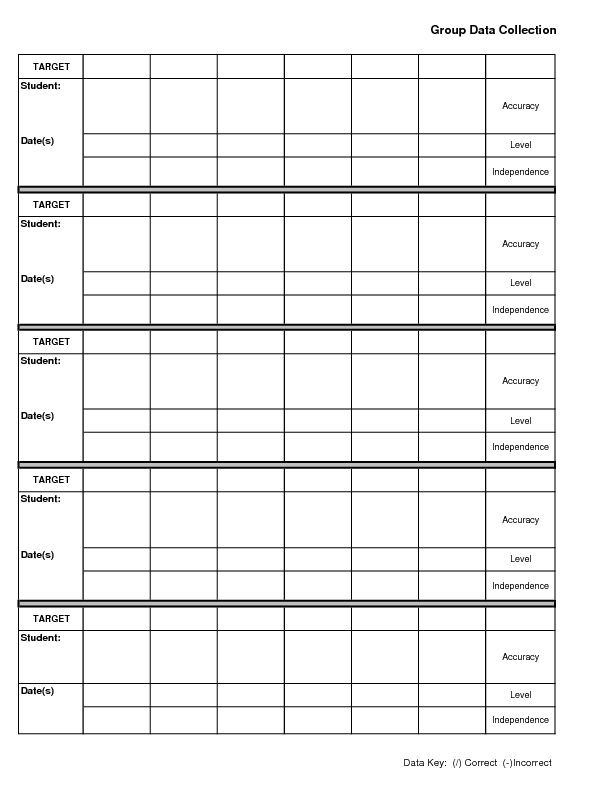
3. A Table or "area" with tools you will need for some 1:1 time such as a mirror, tongue depressors, gloves, data collection sheets, etc. for "table time". You might also want to keep a Speech Target handy. Grab mine here: Speech Target.

4. Motivating games for "sounds on the carpet". We like "Trouble", "Uno", "Topple", "Look Who's Listening," or just a pair of dice.
5. Counters. We used to use tally counters; however, they broke easily (guess I shouldn't have "cinched" on the brand). Now we just use post it notes and the students tally count their sound productions. Each student is responsible for keeping up with their own count and they use tally marks. At the end, they count up their sound productions and they love counting by fives, even my kindergartners!
6. Computer or voice recorder and headphones for listening station. We use a desktop, but anything that records your voice will work. My next step is to try my new Live Scribe Echo Pen (but that will be saved for a future post).
7. A timer. I set it for 4-5 minutes per station. When they hear it, they look at the schedule and make the switch!
8. Motivator chart. This can be accomplished in ANY way. I challenge each student to say their sounds at least 100 times per speech lab session. Then I set a "group goal" to work for a prize speech day such as a "Game Day" or "Popcorn Party". I have used a pom pon jar, a sticker chart, and a graph to track their progress. They are increasingly excited when they see their progress against another grade level!
In my experience since starting "Speech Lab", here is what I have noticed:
- Taking the time to "teach" the expectations for each station is a MUST!
- It works BEST with students once they reach the syllable or word level of their target sound.
- It's best for speech practice up to the sentence level. (Once a student starts connected speech tasks, it can be done, but you have to get creative.)
- It works best with at least 3-5 students; more or less I have found to be less effective and less motivating.
- It doesn't work very well for students with minimal stimulability.
If "Speech Lab" sounds like fun to you, I challenge you to try it out! So, put your had down, take your finger off of your nose, and quit patting your head. . .instead, get started toward reaching the goal of 100 trials correct per session!
Have Fun!
~Orlanda